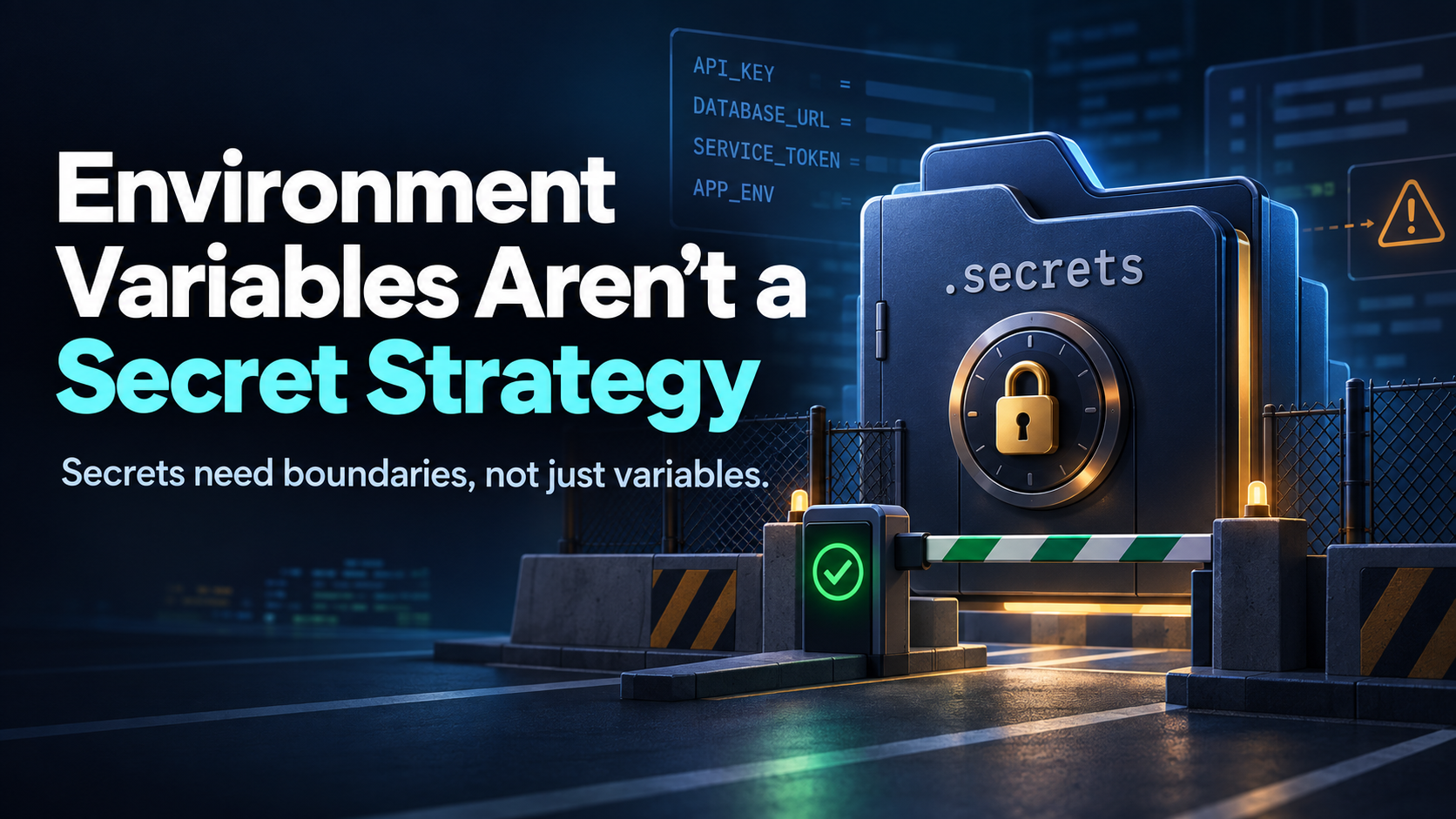
If you’ve been coding with AI, you’ve probably heard this instruction from you AI:
“Put the password in an environment variable.”
That advice is usually better than hard-coding the password directly into your source code. But it is incomplete—and sometimes dangerously reassuring.
Environment variables are a delivery mechanism for secrets. They are not a vault, a permission system, or a guarantee that the secret cannot leak.
For a vibecoder, the important question is not merely:
“Is this secret in an environment variable?”
It is:
“Who can access this secret, when is it loaded, and how do I prevent the wrong code from using it?”
Why hard-coding secrets is dangerous
This is an obvious problem:
const apiKey = "sk_live_abc123...";That key can end up in:
- Git history
- GitHub or another code-hosting service
- Screenshots and tutorials
- AI prompts and context
- Build artifacts
- Error messages
- Shared ZIP files
Even deleting the line later may not help. Git remembers old versions, and someone may already have copied the key.
That is why tools often recommend this instead:
const apiKey = process.env.API_KEY;This keeps the value out of the source file. That is good. But it only addresses one part of the problem.
Environment variables are not automatically private
An environment variable can still be exposed through:
- A process that inherits the variable
- Debugging or diagnostic output
- A shell configuration file
- A
.envfile - A careless logging statement
- An AI coding tool that can inspect the current environment
- A build or deployment system with overly broad permissions
There is another subtle risk: variables often remain active in a shell after you stop working on one project. If you switch to another project without restarting or cleaning up, that project may accidentally inherit credentials from the first one.
This is especially easy to do when coding with AI. You may ask an assistant to “fix the app,” and the assistant may inspect configuration, run commands, or modify code in a context where unrelated credentials are already available.
Environment variables are useful because they keep secrets out of source control. They are not useful because they make secrets magically inaccessible.
A simple local convention: .secrets
For small personal projects, use a dedicated, project-local folder named .secrets.
For example:
my-project/
├── .secrets/
│   ├── development.env
│   └── production.env
├── src/
├── package.json
└── .gitignore
A secrets file might contain:
DATABASE_URL=...
PAYMENT_PROVIDER_KEY=...
AI_SERVICE_KEY=...
Then add the entire folder to .gitignore:
.secrets/The important part is that .secrets must be excluded before the first commit. Do not wait until after a secret has already been committed.
You can also add a safe template containing names but no values:
.secrets/
!.secrets/example.env
The example file could contain:
DATABASE_URL=
PAYMENT_PROVIDER_KEY=
AI_SERVICE_KEY=
This tells collaborators which entries are required without exposing the actual credentials.
Tell the AI the rule explicitly
AI coding tools do not automatically know your project’s security boundaries. Add a clear instruction to your project guidance file, such as AGENTS.md, CLAUDE.md, or another instruction file used by your tool:
Security rules:

- Never add, print, summarize, or commit secret values.
- Never put credentials directly into source code.
- Treat everything under .secrets/ as private.
- Never add .secrets/ files to source control.
- You may inspect the names of required variables, but do not reveal their values.
- Before creating configuration, use placeholders or environment-variable references.
This is not a replacement for technical safeguards. It is an additional boundary that helps prevent the AI from copying a secret into code, logs, documentation, or a commit.
If the AI does not need the secret to complete a task, do not make the secret available to it.
Add a startup gate
One of the best improvements is to make the application refuse to start unless its required secrets are present and valid enough to continue.
Without a startup gate, an application may start with missing configuration and fail later in a confusing way:
Something went wrong.Or worse, it may silently use a default account, a test database, or an unintended production service.
A startup gate makes the boundary explicit:
Cannot start application.

Missing required secret:
- PAYMENT_PROVIDER_KEY

Create .secrets/development.env and provide the required entries.
The gate should check:
- That the expected secrets file exists
- That required entries are present
- That values are not empty
- That the application is running in the intended environment
- That production and development credentials are not being mixed
A conceptual example:
const required = [
  "DATABASE_URL",
  "PAYMENT_PROVIDER_KEY"
];

for (const name of required) {
  if (!process.env[name]) {
    throw new Error(`Missing required secret: ${name}`);
  }
}
The startup check should report the missing variable’s name, never its value.
Why gatekeeping matters
A startup gate does more than catch typos. It creates a deliberate moment where the project asks:
“Do you have the right credentials for this application and environment?”
That prevents several common failures:
- Starting a project with someone else’s credentials
- Accidentally connecting development code to production
- Assuming a missing secret means “use a default”
- Running a partially configured application
- Forgetting that a new teammate needs setup instructions
- Allowing an AI-generated feature to bypass required configuration
The gate turns secret management from an informal convention into an executable rule.
Do not confuse presence with correctness
A value can exist and still be wrong.
For example, your startup check might confirm that DATABASE_URL is present, but it cannot necessarily tell whether it points to the correct database.
For higher-risk applications, validate more than presence:
- Require an explicit environment name such as
APP_ENV=development - Reject production URLs when running locally
- Use separate credentials for development, staging, and production
- Check that a token has the expected format
- Make a harmless authenticated request when appropriate
- Use different cloud accounts or projects for testing
The goal is to make the dangerous configuration difficult to select accidentally.
A practical safety checklist
For a small project:
- Keep secrets in
.secrets/. - Add
.secrets/to.gitignoreimmediately. - Commit only an empty template or example file.
- Tell your AI assistant never to read, reveal, copy, or commit secret values.
- Load secrets only when starting the application or command that needs them.
- Add a startup gate for required entries.
- Use separate credentials for development and production.
- Grant credentials the smallest permissions possible.
- Rotate any credential that may have appeared in source, logs, prompts, or screenshots.
- Check Git history if you suspect a secret was ever committed.
The principle to remember
Environment variables are better than hard-coded secrets, but they are not the security boundary.
Your real security boundary should be a combination of:
- Private storage
- Strict source-control exclusion
- Limited process exposure
- Explicit AI instructions
- Startup validation
- Least-privilege credentials
- Rotation when exposure is possible
If your application cannot start without the right configuration, and your repository cannot accidentally contain that configuration, you have already avoided many of the mistakes that catch beginners—and plenty of experienced developers—off guard.
The best secret is not merely hidden.
It is difficult to access accidentally, difficult to commit accidentally, and useless outside the narrow context where it is needed.
Leave a Reply